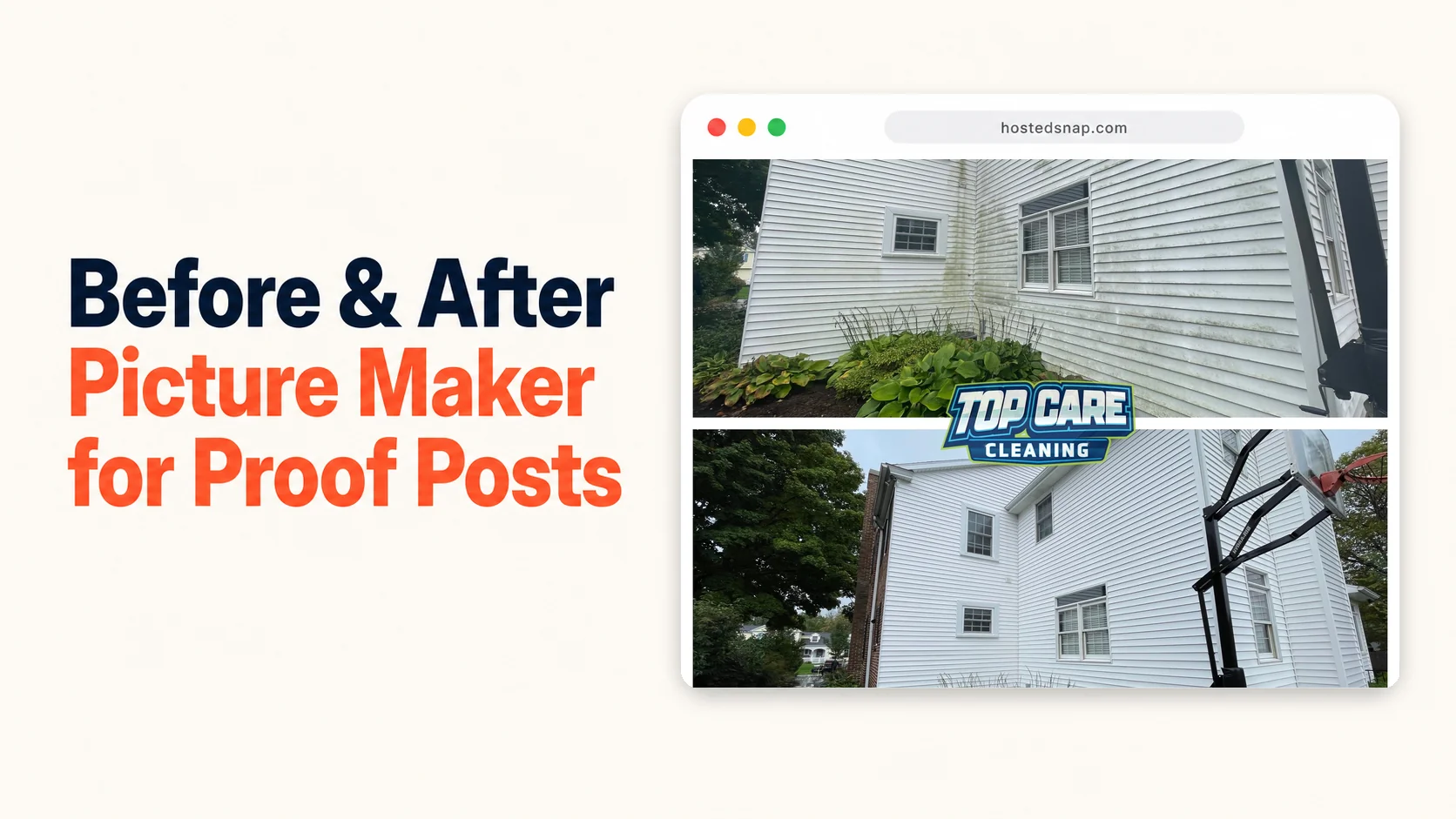
I've tested a before and after picture maker on my phone while sitting in the truck after every single job at Top Care Cleaning — and for two years I kept losing time I shouldn't have been losing. We run a pressure-washing, gutter-cleaning, roof-cleaning, and window-cleaning business in Grand Rapids, Michigan that my dad and uncle started in 1980. Every job produces a transformation worth posting. The tools kept getting in the way. I built the solution myself, and here's exactly what I learned.
What is a before and after picture maker?
A before and after picture maker is a web tool or app that takes two photos — a before and an after of the same surface, room, or area — and combines them into one shareable image split down the middle. Good ones are free, produce a clean output in under 30 seconds, and let you post it directly to Google Business Profile, Facebook, or Instagram without a watermark-on-your-own-work situation.
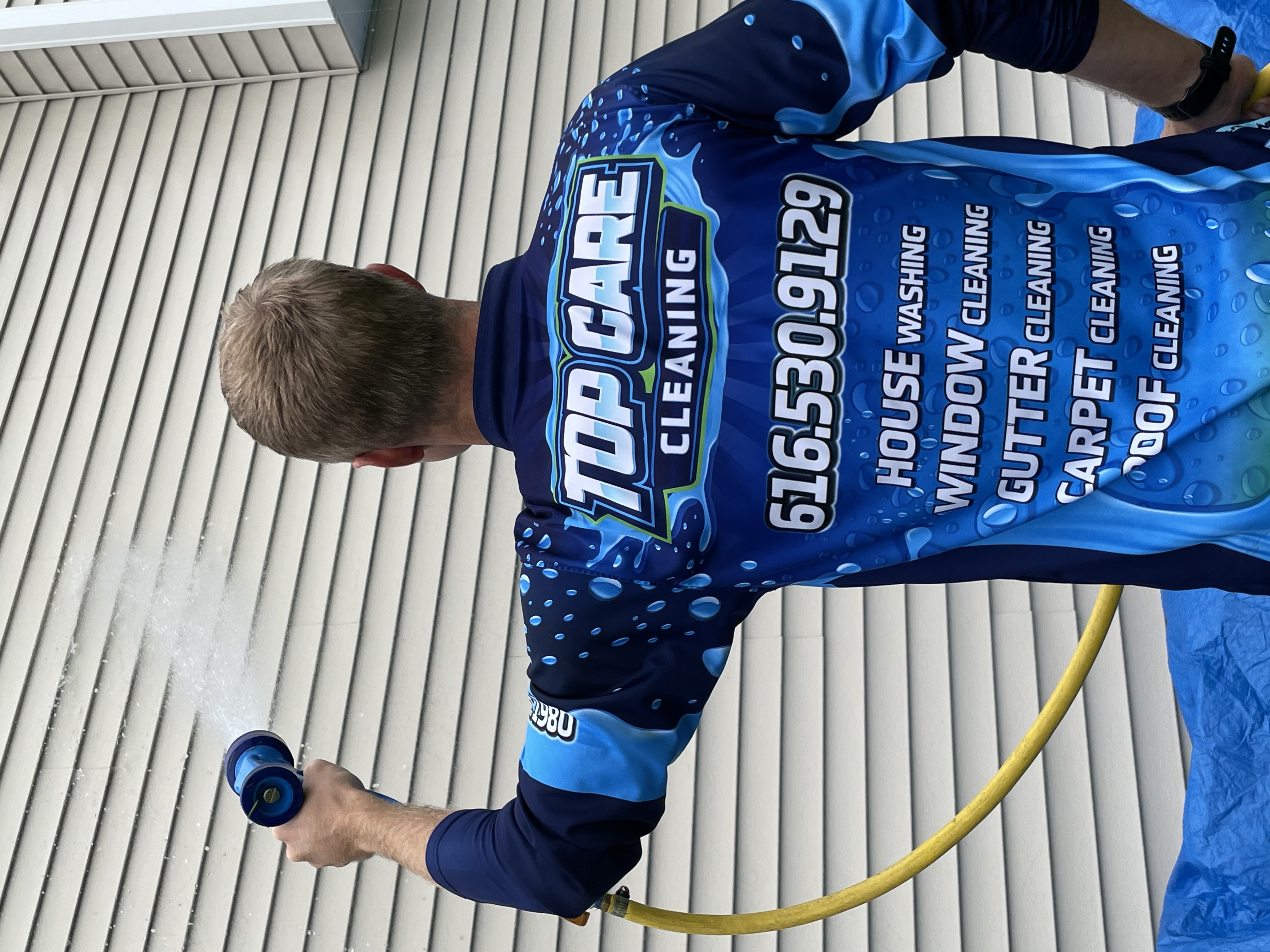 A Top Care Cleaning technician rinsing a house wash in Grand Rapids, MI — the kind of in-progress shot that anchors the "after" frame in a before and after picture maker.
Why "Picture" Owners Search Differently (And Why It Matters)
Some service business owners search for a "picture maker" and some search for a "photo maker." They're looking for the same tool. I use both words, and the people I've talked to at trade shows use both words. The ones who grew up calling it a "picture" tend to be using their phones for everything — not a DSLR, not a dedicated camera app, just the thing in their pocket. For those owners, I want to be clear: this is your article.
The broader guide on our before and after photo maker pillar covers every tool category in depth. This article focuses on the picture-first, proof-post workflow that service businesses actually need on the ground.
Why a Before and After Picture Maker Is a Business Tool, Not a Hobby Tool
Most before and after picture editors get marketed at fitness influencers and renovation bloggers. That's the wrong audience for what the tool actually does best. The highest-volume, most consistent use case for a before and after picture maker is a service business owner posting proof of work.
Think about what your Google Business Profile needs. It needs fresh photos. It needs proof that you show up, do the work, and leave the property better than you found it. A single after photo is almost useless on its own — it could have been taken anywhere, on any day. A before and after picture in one frame is evidence. The viewer sees the mess and the fix in the same scroll.
At Top Care, we post 8-12 jobs per week across gutter cleaning, house washing, roof cleaning, and window cleaning. Every one of those jobs has a before and an after. That's 8-12 potential proof posts per week if the tool is fast enough. At two minutes per composite, that's 16-24 minutes. At 15 minutes per composite — which was my reality before I built something better — that's 2-3 hours. The tool is the difference between a habit that sticks and a habit that dies.
Five Proof-Post Use Cases That Actually Drive Calls
A before and after picture maker pays for itself (in time, not money — it should be free) in five specific situations that service business owners face every week.
Use Case 1: The Weekly Google Business Profile Post
Google Business Profile rewards fresh content. One before-and-after per week, posted every Tuesday or Wednesday, signals to the algorithm that your business is active. The picture is the post. The caption is one sentence. This is the most repeatable use of a before and after picture maker in a service business.
For Top Care, this looks like: house wash before (brown algae on siding) and house wash after (bright white siding). Drop both into the tool. Output is one image. Caption: "House wash in Forest Hills this week — soft wash, no pressure on the siding. Book at topcarecleaning.com." Post. Done.
Use Case 2: The Facebook Proof Post
Local Facebook groups and your business Facebook page are a different audience than Google. Facebook users scroll faster and share more. A before and after picture in a local community group ("just finished this driveway wash in Cascade Township") drives shares from neighbors who want the same work done. The before-and-after format is the proof that makes the share feel credible rather than like an ad.
Use Case 3: The After-Job Customer Email
When we send a follow-up email after a job, we include the before and after picture from that specific job at that specific address. The customer didn't see the before — they were at work or inside. Seeing their own property transformation in the email reinforces the value of the service and seeds the review request that follows.
This is a use case most cleaning businesses skip because producing the composite adds a step. If the tool is fast, it stops being a step and becomes part of the job close.
Use Case 4: The Estimate Packet
When we send a quote for a new customer in a neighborhood where we've worked before, the estimate email includes two or three before-and-after pictures from nearby properties. The customer sees literal results from houses four blocks from theirs. Close rate improves. The pictures do the persuasion. The before and after picture maker made those pictures in under a minute each.
Use Case 5: The Nextdoor Recommendation Reply
When a neighbor asks "who do you use for gutter cleaning?" on Nextdoor, the business owner or happy customer who replies with a before-and-after picture wins the recommendation. Text-only replies get buried. A visual proof post stops the scroll. You need the composite to be ready in under 90 seconds, while the conversation is live, or the moment passes.
The Mistakes That Kill a Proof Post Before It's Posted
I've made every one of these. Skip the learning curve.
Wrong Angle, Wrong Framing
The before picture was shot from 10 feet away. The tech took the after picture from 5 feet away because the work was done and they just wanted to wrap up. The composite looks like two different houses. No before and after picture maker fixes a mismatched angle. Fix it at the source: take the before photo, note your position, return to the same spot for the after.
Mismatched Lighting
Morning before, afternoon after. The siding looks "whiter" in the after partly because the sun moved. The viewer's eye registers this as manipulation, even if it's unintentional. Try to shoot both photos in the same light block. Overcast days are ideal — flat light shows the cleaning without the sun doing extra work.
Blurry Before, Sharp After
This happens when the tech doesn't think the before matters. It does. A blurry before photo makes the after look faked. The viewer can't verify the comparison when one side is a smear. Both photos need to be sharp enough that someone could read the house number in the background.
Vertical vs. Horizontal Mismatch
The before is a portrait shot. The after is a landscape shot. They were taken at different orientations because the tech rotated the phone between shots. Most before and after picture editors handle this badly — they'll crop or stretch one photo to match the other. Check orientation before you load the photos. Same orientation both times.
Posting a Screenshot Instead of the Composite
Some owners screenshot two photos next to each other on their phone screen and post that. The output is low resolution, weirdly spaced, and has the phone UI visible in the corners. It also usually has a watermark-on-your-own-work effect from whatever the screenshot captures. Use a real tool. The composite is cleaner and larger than any screenshot.
The 60-Second Workflow I Actually Use
Here's the exact process at Top Care. The whole thing runs in under two minutes once you've done it ten times.
Step 1: Shoot Both Photos on the Job
Tech arrives. Pulls phone out. Shoots the before from a position they'll remember — usually standing at the edge of the driveway or back from the front of the house. Text or AirDrop the photo to themselves so it's in an easy-to-find folder.
Tech does the job. When done, returns to the same spot. Same orientation, same distance, same angle. Shoots the after. Texts it to themselves too.
Step 2: Open the Tool on the Phone Browser
No app install required. A before after collage maker that runs in the browser works on any phone without going to the app store. Open the URL, drop in both photos, pick the layout (vertical split for tall subjects like houses, horizontal stack for wide subjects like driveways), and hit download.
The composite renders in under 15 seconds. Save to camera roll.
Step 3: Post Before Pulling Out of the Driveway
For Google Business Profile: open the GBP app, create a post, attach the composite, type one sentence of caption. Done. Total time at this step: 45 seconds.
Same composite goes to Facebook and Instagram as a second use of the same asset. One picture, three platforms.
How Often to Post and Where It Fits in the Weekly Cadence
A weekly cadence is enough. One before-and-after picture per week, consistent over 52 weeks, builds a Google Business Profile that looks genuinely active to both the algorithm and to any potential customer who clicks through. Volume over time beats one perfect composite once a month.
At Top Care, Tuesday is the posting day. Every Monday evening I pull the five or six best composites from the week's jobs and pick one. The rest go into a folder for estimate emails, Nextdoor replies, and Facebook content. Nothing gets wasted.
Per-job posting is the ceiling, not the floor. If every tech posts a composite after every job, that's 8-12 posts per week. That's the maximum useful frequency for most service businesses — posting more than once per day on GBP is diminishing returns. Pick one per week as the minimum. Every job composite as the goal.
What to Look for in a Free Before and After Picture Maker
The category is full of tools that look free until they aren't. Here's the honest test.
Does it output without a watermark? A free tool that stamps "Made with [Name]" on your customer's house is not free. It's a freight-train-to-deliver-a-pizza. You wanted a proof post. You got a billboard for someone else's company. Skip it.
Is there a signup wall? Some tools are genuinely free but gate the download behind an account. You get the composite, but your email goes into a sales sequence. This isn't a dealbreaker for everyone, but it is friction — and friction kills habits. The honest-free option doesn't require an account.
Does it export at a useful resolution? Google Business Profile asks for 720 × 720 minimum. Instagram wants 1080 × 1080 for feed posts. A tool that downsamples your composite to 400 × 400 is selling you an "HD export" upsell. If the export is noticeably worse than your phone camera quality, the tool is manipulating you.
Is it priced for influencers? Design suites that include a before/after template buried in a menu of 400 features are influencer-tool-priced-for-influencers. They're priced for people who make money from photos. You make money from clean houses. You don't need the freight train. You need the bike.
The how to make a before and after photo guide goes deeper on the technical quality side. The photo merger online free article covers the broader free-tool landscape if you want to compare options. Both are worth a read if you're evaluating tools.
Common Questions About Before and After Picture Makers
Is a free before and after picture maker good enough for a real business?
Yes, for 95% of service-business posting. The features that require paid tools — custom branding overlays, logo baking, color-grade matching — don't move the needle on local lead generation. What moves the needle is volume. One simple composite per job, every job, all year.
What's the difference between a before and after picture maker and a before and after picture editor?
A picture maker combines two source photos into one composite image. A picture editor adjusts the photos themselves — color, exposure, crop — before or after combining them. For service-business proof posts, you need the maker, not the editor. The photos should look as close to what the customer actually saw as possible.
Should I add "Before" and "After" labels to the picture?
For obvious transformations — gutter sludge versus clean gutters, black algae siding versus bright siding — labels are optional. For subtle transformations — window cleaning, interior carpet cleaning — small corner labels help the viewer read the comparison. Keep labels small, corner-placed, and low-contrast. Big text across the middle of the image is decoration that distracts from the proof.
Can I use a before and after picture app on my phone instead of a browser tool?
Both work. Phone apps are marginally faster once installed because you skip opening a browser. Browser tools are faster initially because there's nothing to install and nothing to update. For team workflows where multiple techs need the same tool, browser tools win — one URL, no version differences, no "which app are you using" support questions.
How do I prevent the before and after pictures from looking mismatched?
Same angle, same distance, same orientation. Those three things account for 90% of mismatched composites. Time of day matters too — shoot both in the same light if you can. Don't crop one photo and not the other inside the tool. Don't filter one and not the other. Authenticity wins over artistry on local platforms.
Can I post a before and after picture on Google Business Profile?
Yes. GBP accepts photo posts up to 5 MB at 720 × 720 minimum. A before-and-after composite posts as a standard "What's new" update. Use a one-sentence caption with the service type and neighborhood. Aim for once a week — enough to signal freshness without overwhelming the feed.
What resolution should the output be?
Aim for 1200 × 1200 or higher for square outputs. Most modern phone cameras produce photos at 3000 × 4000 — the source material is fine. The tool just has to not downsample the export. If the output looks noticeably smaller or blurrier than the original photos, the tool is downsampling to upsell you.
Does the before and after picture format work on Instagram?
Yes. Square (1:1) or portrait (4:5) composites perform well on Instagram feed. Stories work better with a horizontal-stack layout that fills the vertical Story frame. The before-and-after format works on every platform — the composite just needs to be sized appropriately for the platform you're posting to.
I Built Hosted Snap Because a Proof Post Should Take 60 Seconds
Three years ago I was spending 12-15 minutes per composite using a design app that was built for creators, not cleaners. The app was fine. The price was fine. The process was a freight train. I was taking photos at every job, skipping the composite step because it took too long, and missing the weekly GBP posting habit because production wasn't fast enough.
So I built Hosted Snap — a free before and after picture maker that does the one job and gets out of the way. Two upload slots, a combine button, a download. No signup wall. No watermark on your customer's house. Honest pricing, which in this case means free, because the tool I needed didn't cost me money to build — it cost me time, and I already spent that.
Top Care Cleaning now posts one to three before-and-after composites every week. Our Google Business Profile has 400+ reviews and a steady stream of proof photos going back years. The tool is invisible, which is exactly what it should be.
About Alex Host
I'm Alex Host. I run marketing for Top Care Cleaning — my family's pressure-washing and exterior-cleaning business in Grand Rapids, Michigan, started by my dad and uncle in 1980. Four hundred-plus Google reviews. Forty-five years of customer work.
Alongside Top Care, I build software at Hosted Brands — the parent company behind Hosted Snap (the free tool you're reading about), Hosted Reviews, Hosted Proof, and the rest of the Hosted Stack. Everything I build is the tool I wished I'd had at Top Care five years ago.
Hosted Snap is free forever. No signup. No watermark. No upsell. It exists because every before and after picture maker I tested either watermarked my customer's property or made me pay influencer prices for a 30-second task.